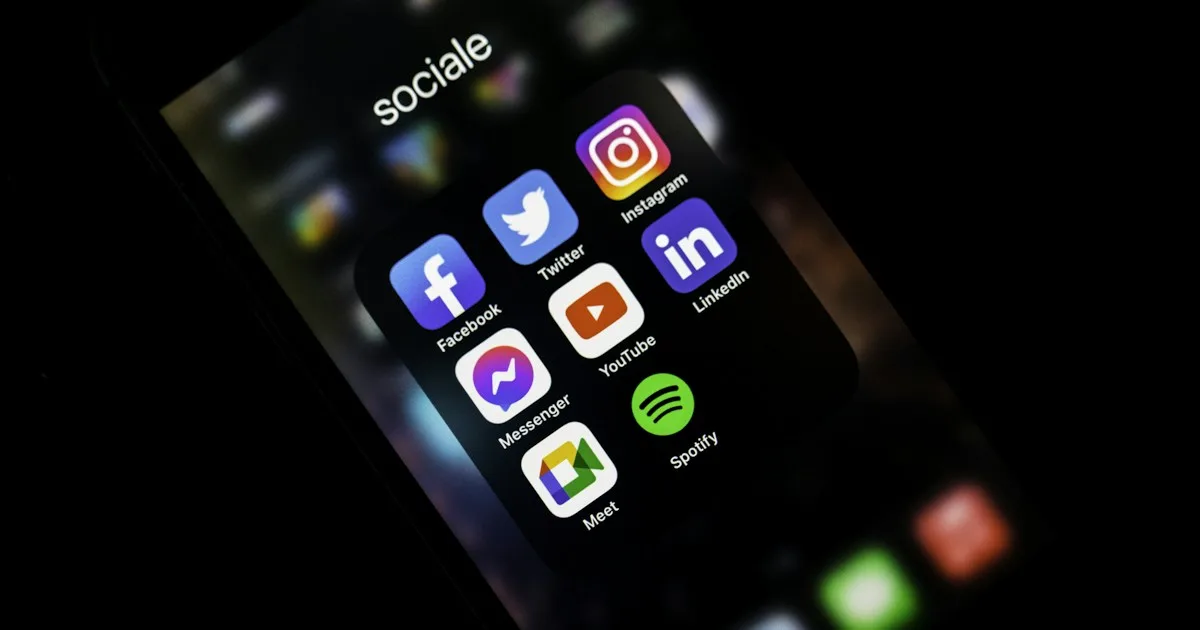
Many companies ask for an app because a competitor has an icon on customers’ phones — and find out too late that new customers still look for the website. The two solve different problems. The website is the door Google and quote requests come through. The app is the tool for people who already buy from you, are on your team or repeat an order every week. Below: when a business website is enough, when an app is worth the timeline and what not to lump into the same price.
Website, system or app?
My Help separates all three in the proposal — no generic “cheap app” package.
Mobile apps Website design Business softwareWhat each one does day to day
A business website answers people who do not know you yet: what the company does, where, how to get in touch. Without that page, the app has no address for a cold prospect to check.
A business app comes in when use is repeated. Field teams, recurring orders, customer logins, scheduling, delivery status. Opening an icon is faster than finding the website again. If the sale closes in a conversation and the customer does not come back every week, a website with visible contact options usually does the job.
The system is the dashboard on the computer: records, permissions, reports. The app is almost always the mobile front end and the system is the management side. You can hire both together. Lumping website, system and app into a single quote line creates the wrong expectations. Compare custom software and ERP: custom or off-the-shelf.
When a website is enough
- Customers search, read and get in touch
- There are no logins, no inventory and no daily team routine on mobile
- Trust comes from a clear page, lightweight photos and a phone number matching Google
- The campaign is a single offer — then the conversation is a landing page, not an app: business website or landing page
A lean business website with logo, copy and photos ready can go live within 24 hours. An app does not fit that timeline. Guide: website in 24 hours.
When an app makes sense
It makes sense when someone opens the same screen several times a week: a salesperson on the road, a customer tracking an order, a front desk booking appointments, an operation that no longer fits in a group chat.
The most common route for small businesses is a PWA: the icon goes on the home screen, with no App Store or Google Play queue. When the brief calls for an app store presence, native camera features or push notifications that require one, we build for iOS/Android. The developer account stays with you. Service: mobile apps.
That does not replace the public page. People arriving from Google still need a URL, opening hours and contact options. The app serves those who are already in. Without a website, the icon is invisible to customers who are still researching.
PWA or store app
A PWA opens in the browser or from the icon and updates instantly. A store app waits for review, needs store accounts and a longer schedule. Most small businesses are well served by a PWA. In the proposal we state which option fits — without pushing store publication when a home-screen icon already does the job.
Timeline: first we map the screens, logins and what people do on their phones. A lean PWA takes a few weeks. A store app follows after that map. Late screen copy pushes the date back. It is not express delivery.
What to ask for in the proposal
- Website, system and app on separate lines — what goes in now and what comes later
- PWA or app stores, in writing
- Who owns the developer account and the website domain
- What the monthly plan covers after delivery (website hosting is not app evolution)
At My Help, a lean business website comes with a build fee plus a monthly plan — prices are in the proposal. Apps and systems are a different scope, also in writing. How to read a quote: evaluating a proposal. Software pricing: how much custom software costs.
If sales still run on an Instagram catalog and orders by chat, the first step is usually the website — not the icon. A store with checkout is a different product: when to move to an online store.
Mistakes we see all the time
- Asking for an app because “everyone has one” while having no page for new customers
- Putting the website, dashboard and app stores under one price
- Promising an app in 24 hours
- Publishing to the stores without the account in the company’s name
- Ignoring a slow website and investing only in the icon — when to redesign your website
Next step
Tell us what your team does on their phones today and whether new customers still arrive through Google. We will recommend a website, a PWA or both — no strings attached. Or explore mobile apps and website design.